If you’re starting a business in Maryland, or you just want to check whether a company you’re about to work with is actually legitimate, the first question is always the same: “Is this business legally registered?”
The good news is that this information is public in Maryland, and anyone can check it themselves in just a few minutes you just need to know where to look.
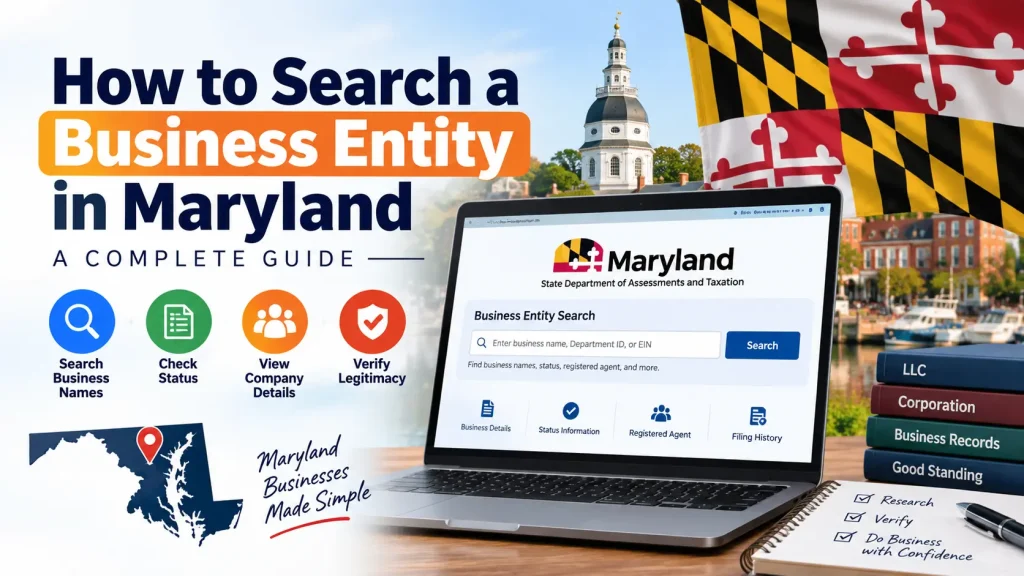
Table of Contents
When You’d Need to Search a Business Entity
A lot of people assume entity searches are only for lawyers or accountants, but this is genuinely useful for anyone who wants to:
- Check if their desired business name is already taken before registering
- Verify that a vendor, contractor, or potential business partner is actually a real, active company
- Check a company’s “Good Standing” status meaning whether it’s up to date with the state on taxes and filings
- Pull up a company’s filing history or find out who its registered agent is
None of this requires a lawyer. It’s free, and you can do it from home.
The Official Way Searching Through SDAT
Maryland’s official business records are maintained by the State Department of Assessments and Taxation (SDAT), which runs its search tool through the “Maryland Business Express” portal.
Here’s how it works:
- Go to the SDAT Business Express portal.
- Look for the “Business Entity Search” option and click on it.
- Type in the company’s name or its Department ID. If you’re not sure of the exact name, use the “Contains” option instead of “Begins With” this pulls up every entity that has that keyword anywhere in its name.
- The results will show the full legal name, ID number, and current status (Active, Forfeited, or Not in Good Standing).
- Click on the entity’s name to see more details, including the registered agent, principal office address, and filing history.
- If you need official proof for something like a loan or contract, you can order a “Certificate of Status” for a small fee.
The whole process is free, and the database is updated Monday through Friday, so the information is generally current.
Understand What “Good Standing” Actually Means
If a company shows up as “Forfeited” or “Not in Good Standing,” it’s not just a technicality it can carry real legal weight. A business in that status effectively loses the liability protection that comes with being an LLC or corporation, which means the owners could become personally responsible for the business’s debts, almost as if they were running a general partnership. This is exactly why checking status matters don’t just look at the name and assume everything is fine.
When a Simple Name Search Isn’t Enough
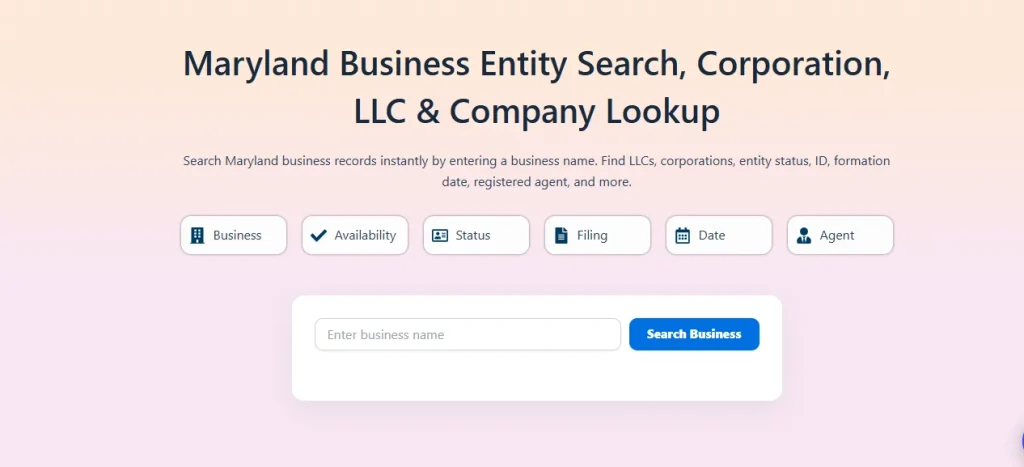
The SDAT portal is great for basic lookups, but sometimes you want something a bit more convenient saving past searches, or comparing a few entities side by side without digging through the state site each time. This is where a few third-party tools come in, built on top of the same SDAT data but with a simpler interface sites like Maryland Business Entity Search, for example, focus specifically on Maryland entities. The underlying record is still the same official one; it just becomes easier to browse.
Final Thoughts
Searching a business entity in Maryland really isn’t complicated you just need to know what to look for and where. Whether you’re registering a new business or checking out a company you’re about to work with, this two-minute check can save you a lot of trouble down the line.
If this is your first time doing it, just open the SDAT portal and search your own name you’ll get the hang of the whole system right away.
Frequently Asked Questions
Is the Maryland business entity search really free?
Yes. Searching the SDAT database and viewing basic entity information doesn’t cost anything. You only pay a fee if you order an official document, like a Certificate of Status.
What information do I need to start a search?
Just the business name (or part of it) or the Department ID number, if you already have it. You don’t need any other identifying details to run a basic search.
What does “Not in Good Standing” mean?
It means the business hasn’t kept up with its state requirements, usually annual reports or taxes. This status can also mean the company has lost its liability protection, so it’s worth taking seriously before doing business with them.
Can I search for a business by its owner’s name?
Not directly. Maryland doesn’t require LLC member names to be listed publicly, so a search by owner name usually won’t work. You can, however, often find the registered agent’s name, which is public.
How often is the SDAT database updated?
The database is updated on business days, Monday through Friday, so new filings and status changes usually show up within a day or two.
What’s the difference between a Certificate of Status and a regular search result?
A regular search result is free and shows you basic status information on screen. A Certificate of Status is an official, signed document from SDAT that you can use for legal or financial purposes, and it comes with a small fee.
Can I check if a business name is available before registering my own company?
Yes, that’s actually one of the most common reasons people use this search. Searching your desired name first can save you from a rejected filing later.
Does the search show a company’s full filing history?
Yes, clicking into an entity’s record usually shows past filings, annual reports, and other public actions tied to that business.
Is this the same database used by banks, lenders, or government agencies?
It’s the same underlying state database, though larger institutions sometimes use bulk verification tools or APIs built on top of it for high-volume checks.
What should I do if I can’t find a business in the search results?
Double-check the spelling and try searching with just a keyword using the “Contains” option instead of the full name. If it still doesn’t show up, the business may not be registered in Maryland, or it may be registered under a different legal name than the one it uses publicly.