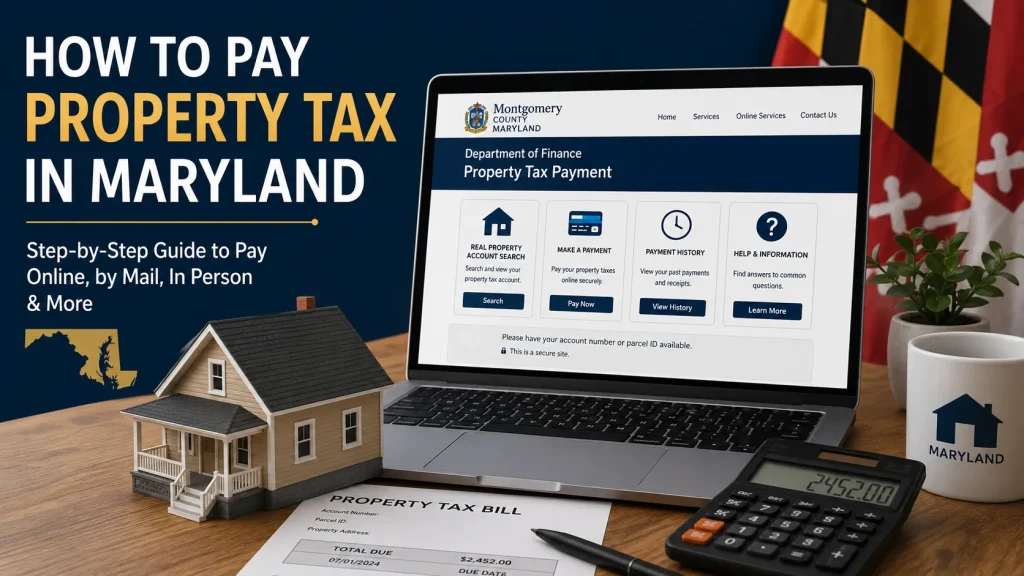
If you own property in Maryland, paying your property tax on time should be one of your priorities. Every county has its own official website where property tax payments are accepted, so avoid using third-party websites. Before you pay, take a moment to check your current tax balance, confirm your property details, and make sure you’re paying the correct amount.
Before Paying Your Maryland Property Tax
Check Your Current Property Tax Balance
Before making a payment, confirm how much property tax you owe. The easiest way to do this is by visiting your county’s official tax payment website and searching with your property account number, parcel ID, or property address. Review the outstanding balance carefully, including any unpaid taxes, interest, or penalties. If you have recently made a payment, make sure it has already been processed before paying again to avoid duplicate transactions.
Verify Your Property Information
Always double-check that the property details shown on the payment page belong to you. Confirm the owner’s name, property address, parcel number, and tax account information before proceeding. Even a small mistake can result in your payment being applied to the wrong property, and correcting it later may take time.
Use Only Your County’s Official Payment Website
Each Maryland county manages its own property tax payment system. For that reason, you should always pay through your county’s official website instead of using third-party payment services. The official portal provides the most accurate tax balance, accepted payment methods, payment deadlines, and confirmation once your payment is complete. After paying, save or print your payment receipt for your records in case you need proof of payment in the future.
How to Pay Property Tax in Maryland (Step-by-Step)
Example: The steps below use Montgomery County as an example. Other Maryland counties follow a very similar process, although the layout of their websites may be slightly different.
Step 1: Visit Your County’s Official Tax Payment Website
Open your county’s official property tax payment portal. Do not use third-party websites or links from search ads. Paying through the official county website ensures your payment is credited to the correct property.
Step 2: Search for Your Property
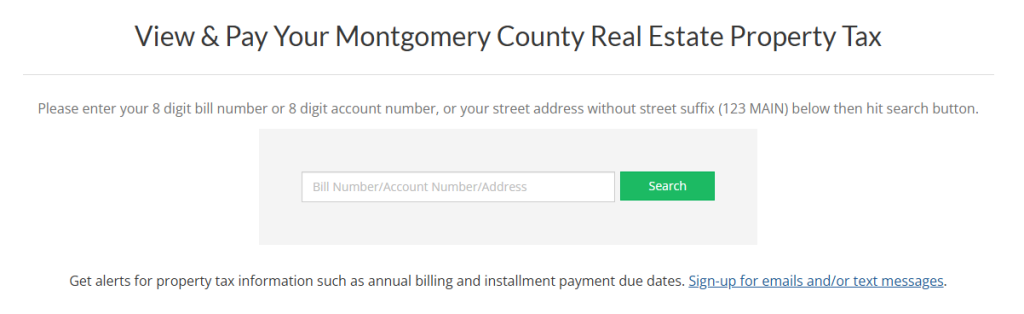
Enter the required information, such as your property account number, parcel ID, or property address. Once the search results appear, select your property and confirm that the owner’s name and property address are correct.
Step 3: Review Your Outstanding Tax Balance
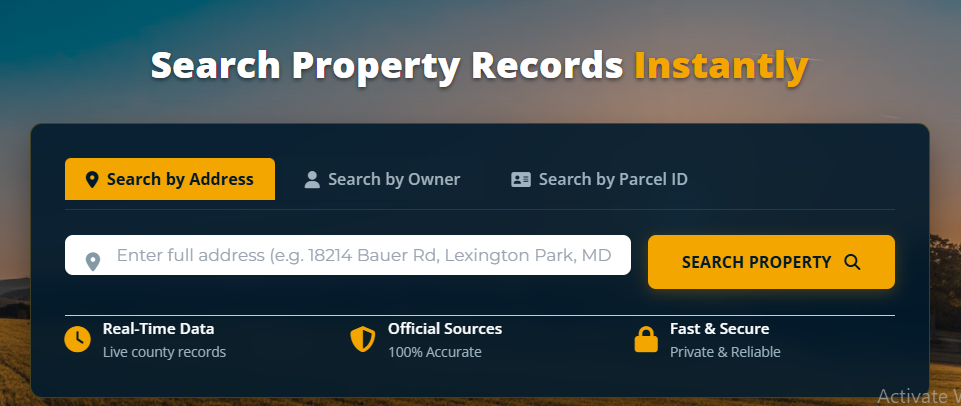
The portal will display your current property tax balance. Carefully review the amount due, including any interest, penalties, or additional fees if your payment is past the due date. Make sure everything looks accurate before continuing.
Step 4: Choose Your Payment Method
Most Maryland counties allow you to pay using a credit card, debit card, or electronic bank transfer (eCheck/ACH). Some payment methods may include a convenience fee, so check the total amount before submitting your payment.
Step 5: Submit Your Payment
Enter your payment details, review all the information one final time, and submit the payment. Avoid refreshing or closing the browser until the transaction is complete.
Step 6: Save Your Payment Confirmation
After your payment is successful, download or print the confirmation receipt. Keeping a copy of the receipt is helpful if you ever need to verify that your property tax payment was completed successfully.
Conclusion
Paying property tax in Maryland is a straightforward process when you use your county’s official payment website. Before making a payment, verify your tax balance, confirm your property details, and choose the payment method that works best for you. Completing your payment before the due date helps you avoid unnecessary interest and penalties while keeping your property tax account in good standing.
FAQs
Can I pay my Maryland property tax online?
Yes. Every Maryland county offers an official online payment portal where you can pay your property tax using accepted payment methods such as a credit card, debit card, or bank transfer.
Do all Maryland counties use the same property tax payment website?
No. Each county has its own official tax payment website. Always use your county’s official portal to make your payment.
What information do I need to pay my property tax?
In most counties, you’ll need your property account number, parcel ID, or property address to locate your tax bill before making a payment.
What happens if I pay my property tax after the due date?
Late payments may result in interest, penalties, or additional charges, depending on your county’s rules.
Can I get a receipt after paying my property tax?
Yes. Once your payment is processed, you can usually download or print a payment confirmation receipt from the county’s official payment portal.